Historical Portrait Generator Review: Is It Worth It?
A census can give you a name, an age, a county, and sometimes the shape of a family. It rarely gives you a face. That is why a historical portrait generator review needs to look beyond whether an AI image is attractive. The real question is whether it helps you feel closer to an ancestor without inventing a past that records cannot support.
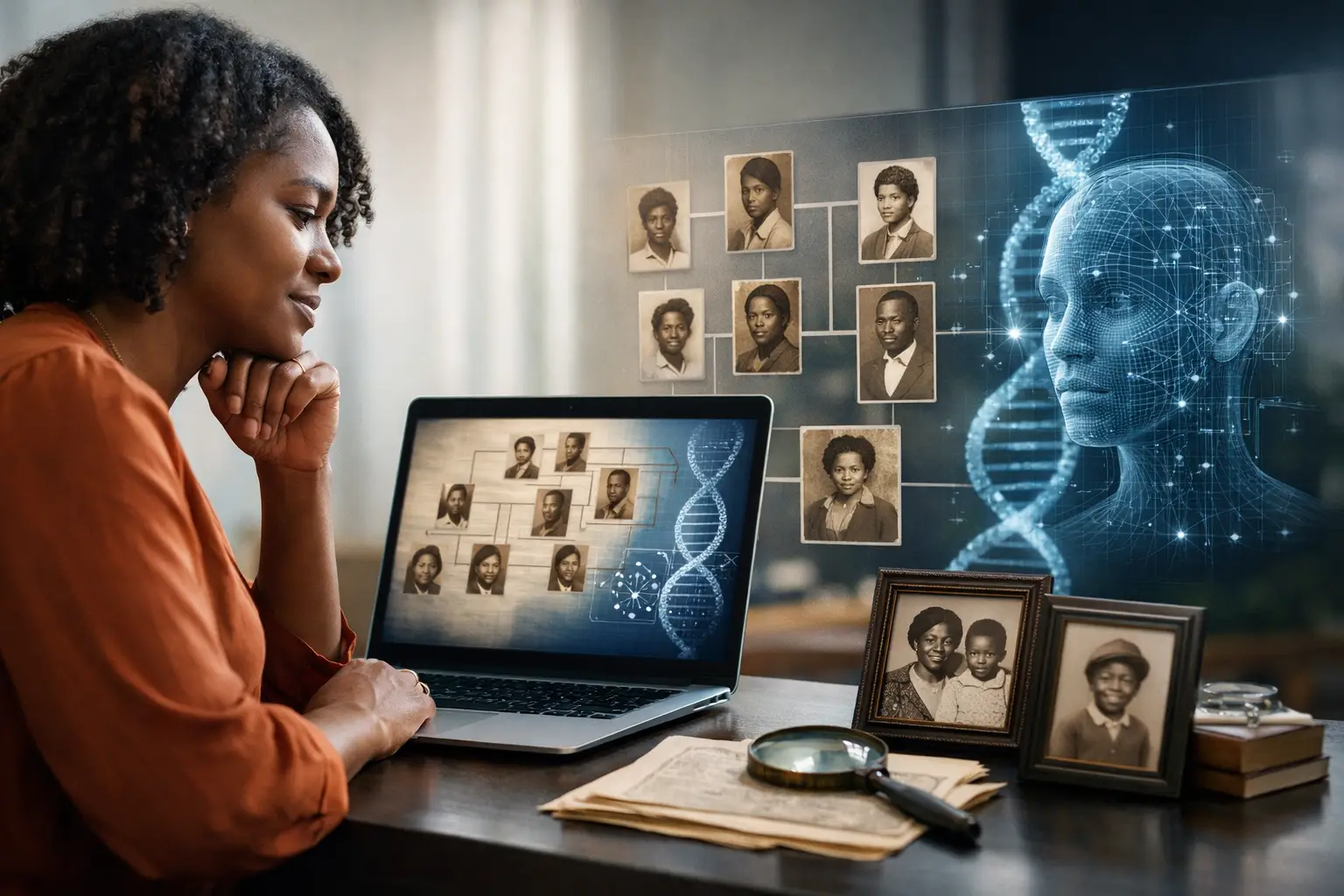
For families tracing people who lived before photography was common, or whose photographs were never preserved, the appeal is immediate. A carefully made image can turn a line on an 1870 census page into someone your children recognize as family. Used well, it can become a powerful conversation starter, a keepsake for a reunion, or a prompt to ask an older relative, “Who does this remind you of?”
Used carelessly, it can also create false certainty. AI can produce a convincing face, a polished dress, and a period room in seconds. Convincing is not the same as documented. That distinction matters most when you are recovering histories that were already fragmented by enslavement, displacement, exclusion, and missing records.
What a historical portrait generator actually does
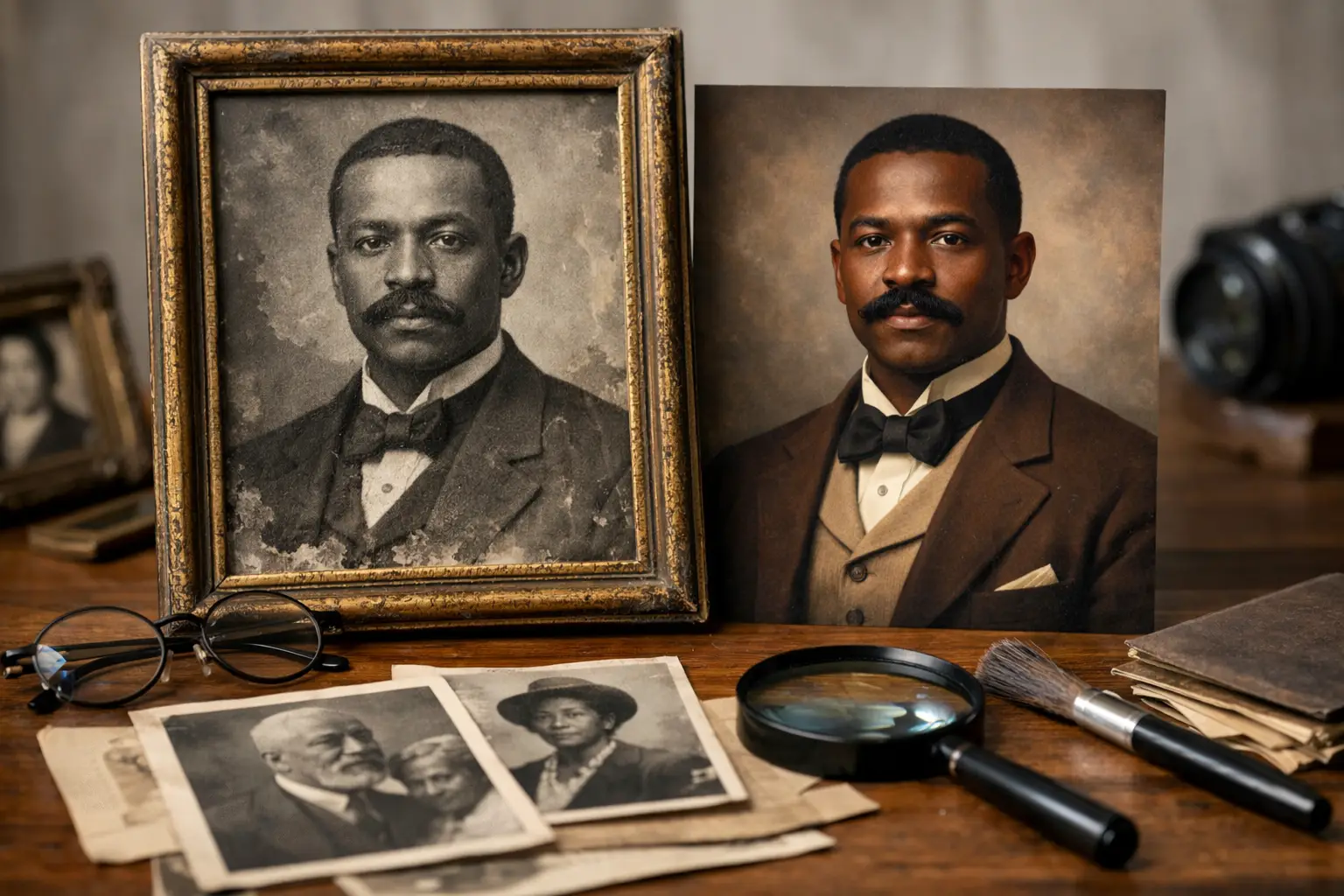
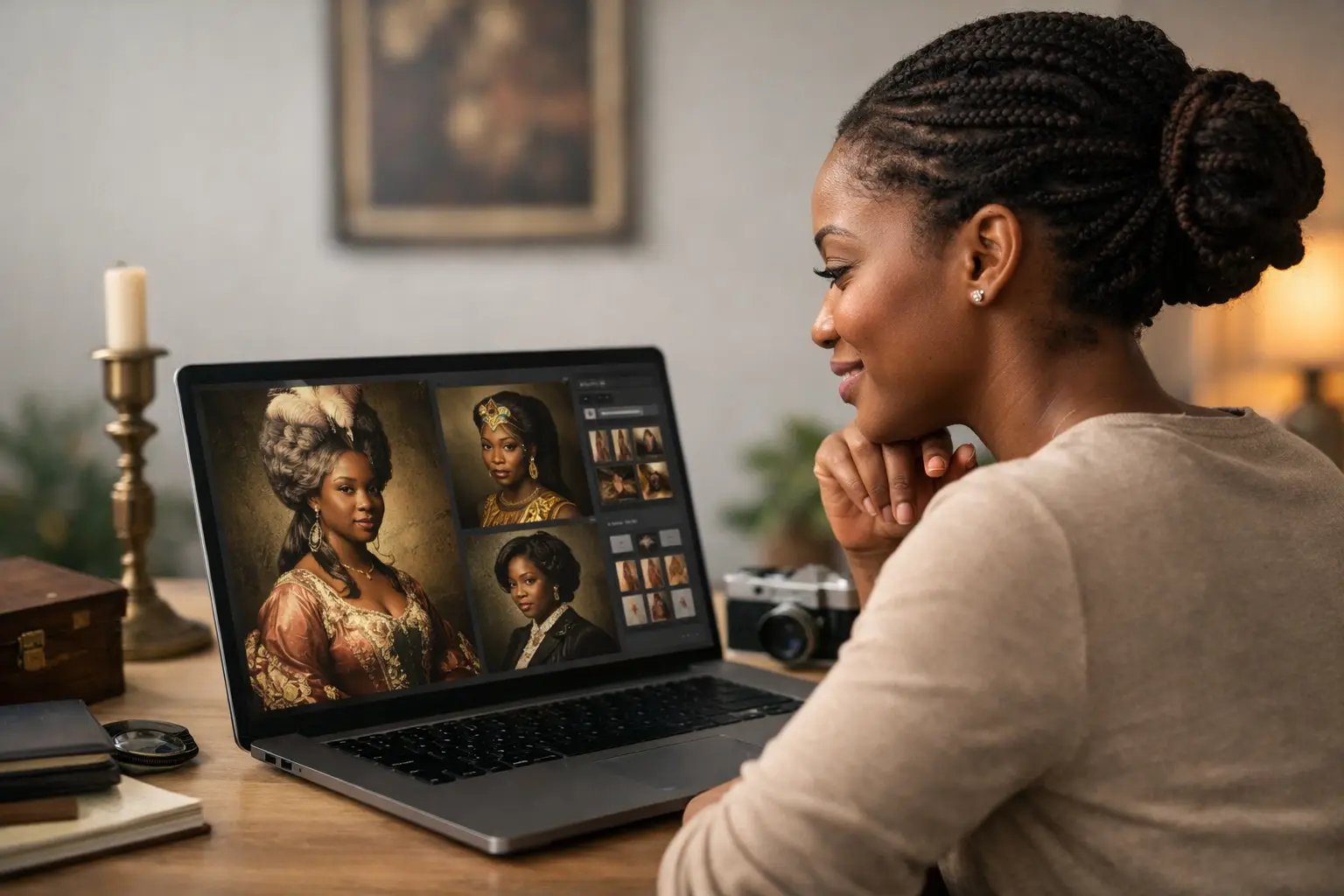
A historical portrait generator uses artificial intelligence to create an image based on a modern photo, written details, selected time period, or a combination of those inputs. Some tools restyle an existing photograph as a Civil War-era studio portrait, a 1920s formal image, or a painted likeness. Others generate a face from a description and add historically inspired clothing and scenery.
The strongest results tend to come from a clear source photo plus specific context. If you know an ancestor lived in rural Mississippi in 1880, worked as a farmer, and appeared in a particular household, those facts can guide the image better than a broad prompt such as “make my ancestor look old-fashioned.” The generator is still creating an interpretation, but it has a firmer historical frame.
That is the key limitation: no generator can reconstruct an ancestor’s actual face from census records alone. It can create a respectful visual possibility. It cannot produce proof.
Historical portrait generator review: what matters most
A good review should not judge these tools only by realism. A perfectly lit image with flawless skin and dramatic clothing may look impressive while being wildly wrong for the person, place, and year you are researching. For family history, historical fit matters more than cinematic polish.
The image should reflect the record, not replace it
Before generating anything, gather the facts you can verify: the person’s approximate birth year, residence, occupation, household members, race as recorded by the census, military service, church affiliation, and known migration path. These details help prevent generic results.
For example, a portrait of a formerly enslaved woman living in Georgia in 1870 should not automatically place her in an elaborate Victorian parlor. Her circumstances may have been modest, her clothing practical, and her surroundings rural. That does not make her story less worthy of a portrait. It makes the portrait more honest.
The best output is one you label clearly: “AI-generated historical interpretation based on family records.” Put that language in the file name, photo caption, printed album, or reunion display. Future researchers deserve to know what was documented and what was created later.
Context controls are more valuable than costume controls
Many portrait tools offer a menu of styles: Western, Regency, Victorian, wartime, royal, and more. Those options are entertaining, but they can push family history into costume play. Look for a tool that lets you define an era, location, setting, and social context rather than simply choosing a fashionable look.
A rural tenant farmer in Arkansas, a Black schoolteacher in Reconstruction-era South Carolina, a Mexican American railroad worker in Texas, and an Irish immigrant seamstress in New York did not share one generic “1800s” aesthetic. The more precise the historical context, the more meaningful the result can be.
This is especially important for African American family history. Too many visual tools flatten Black ancestors into stereotypes, erase the material reality of their lives, or impose wealth and leisure that the records do not show. A respectful generator should give the user control and avoid treating historical identity as a decorative filter.
Privacy is part of the product
Portrait generation often begins with a living person’s photo. That raises a straightforward question: what happens to the image after upload? A worthwhile service should explain whether photos are stored, whether they are used to train future models, and how users can delete their data.
Do not upload a relative’s photograph without their permission, particularly when creating images for public sharing. Families may welcome a visual tribute, but they should have a say in how their likeness is used. Privacy is not a small-print concern when the material is personal family history.
The price should match the purpose
Some generators sell subscriptions built around endless experiments. That may suit someone making social media images, but family historians usually need a few considered portraits tied to real research. Credit-based pricing can make more sense when you want to create one image for a grandparent’s story, test a few historically grounded variations, and stop.
Price also depends on what the tool provides beyond the image. A portrait is more valuable when it sits beside the evidence that inspired it: a census household, a marriage record, a Freedmen’s Bureau document, a military pension file, or an oral-history interview. The image should deepen the research process, not distract from it.
Where AI portraits can genuinely help your research
The most useful portrait is often not the final product. It is the question it creates.
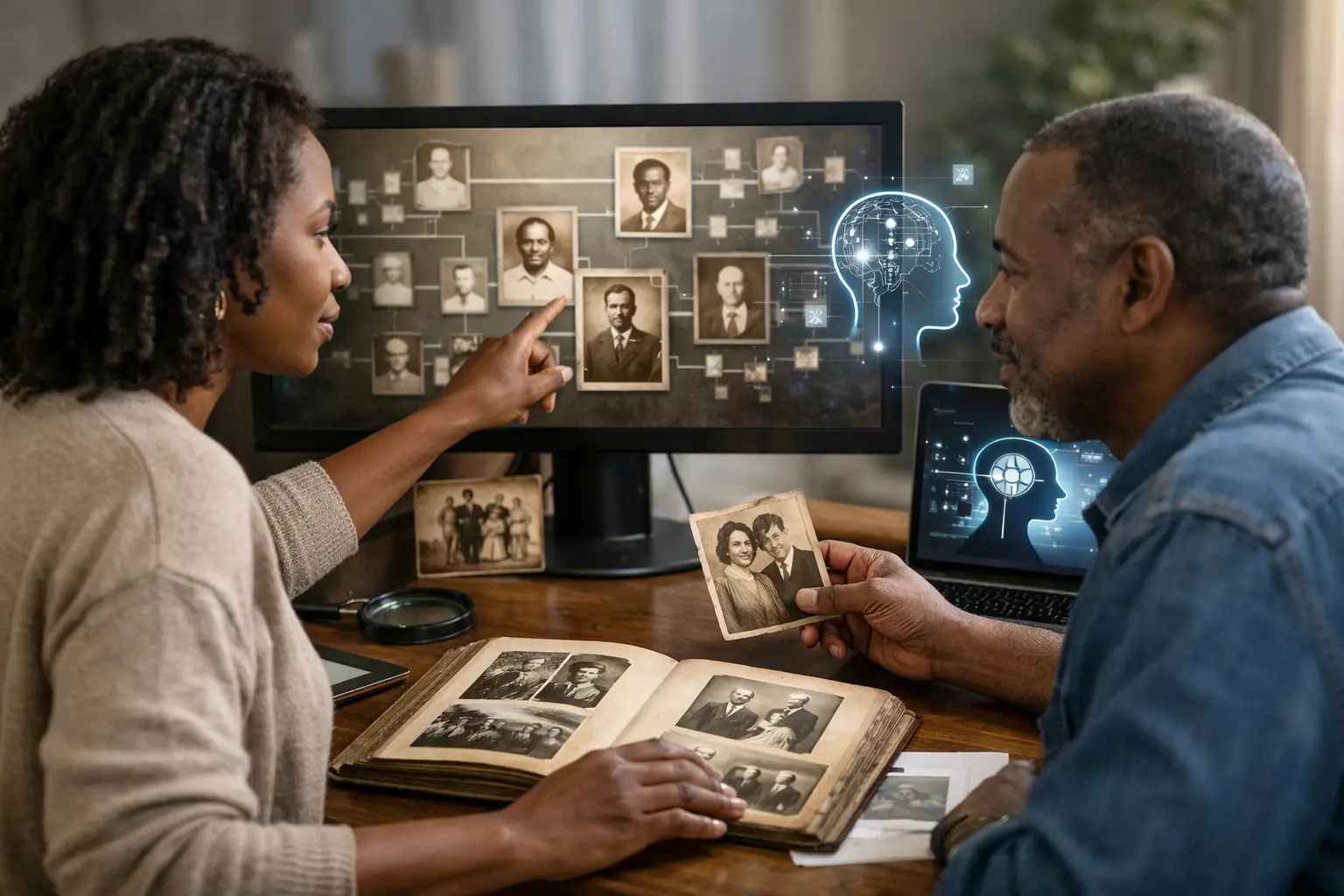
Show a carefully labeled image to an aunt, uncle, or cousin, and it may open a memory that a date-filled family tree never reached. They may recognize a family resemblance, remember a story about a job or neighborhood, or correct an assumption about how someone lived. Record that conversation. A generated portrait can prompt testimony, but the testimony is what may lead you to new names, churches, cemeteries, land records, and family connections.
Portraits can also make research more accessible for younger relatives. A child may not care about a 26-page pension application at first. They may care that the person in the document was their great-great-grandfather, lived through the Civil War, and raised a family whose names still appear at the reunion. The image gives them a doorway. The records give them the truth.
At The 1870 Project, the strongest use of AI portraiture is connected to that larger mission: move from a name to a research path, then use storytelling tools to preserve what the records reveal. Your family was here. A generated image can make that fact feel immediate, but the archive is where you build the case.
When you should not use one
Skip portrait generation if you are still uncertain about the ancestor’s identity. A beautiful image attached to the wrong person can spread quickly through family trees and social media, making later corrections harder. Confirm the basic relationship first.
You should also pause when the available details are too thin to make responsible choices. If all you have is a surname, a vague state, and an estimated birth year, focus on records before visual interpretation. Find the right county, identify the household, trace neighbors, and search the records created around that person’s life.
Finally, do not treat an AI portrait as evidence in lineage applications, legal matters, tribal enrollment research, or any claim requiring documentation. It belongs in the storytelling layer of genealogy, never in the proof layer.
A better way to create an ancestor portrait
Start with a research file, not a prompt box. Identify what is known, what is likely, and what remains unknown. Use the known facts to set the time, place, age range, work, and setting. Keep the unknowns modest. If you do not know whether an ancestor wore a particular uniform or owned a particular home, do not ask the generator to assert it.
Generate more than one version and compare them against your evidence. If every result looks glamorous, wealthy, or oddly modern, revise the context rather than accepting the most flattering image. Choose the version that feels plausible, not simply the one that looks best.
Then preserve it responsibly. Add a caption with the ancestor’s name, dates, location, source records, and a clear AI-generated label. Place it beside the census image, a family story, or a transcription of an interview. That pairing gives the portrait its real power.
A face can bring an ancestor into the room. Let the records tell them who they were.